Turn iPhone into an iMessage and SMS API
Send and receive iMessage/SMS messages using your own iPhone through our API.
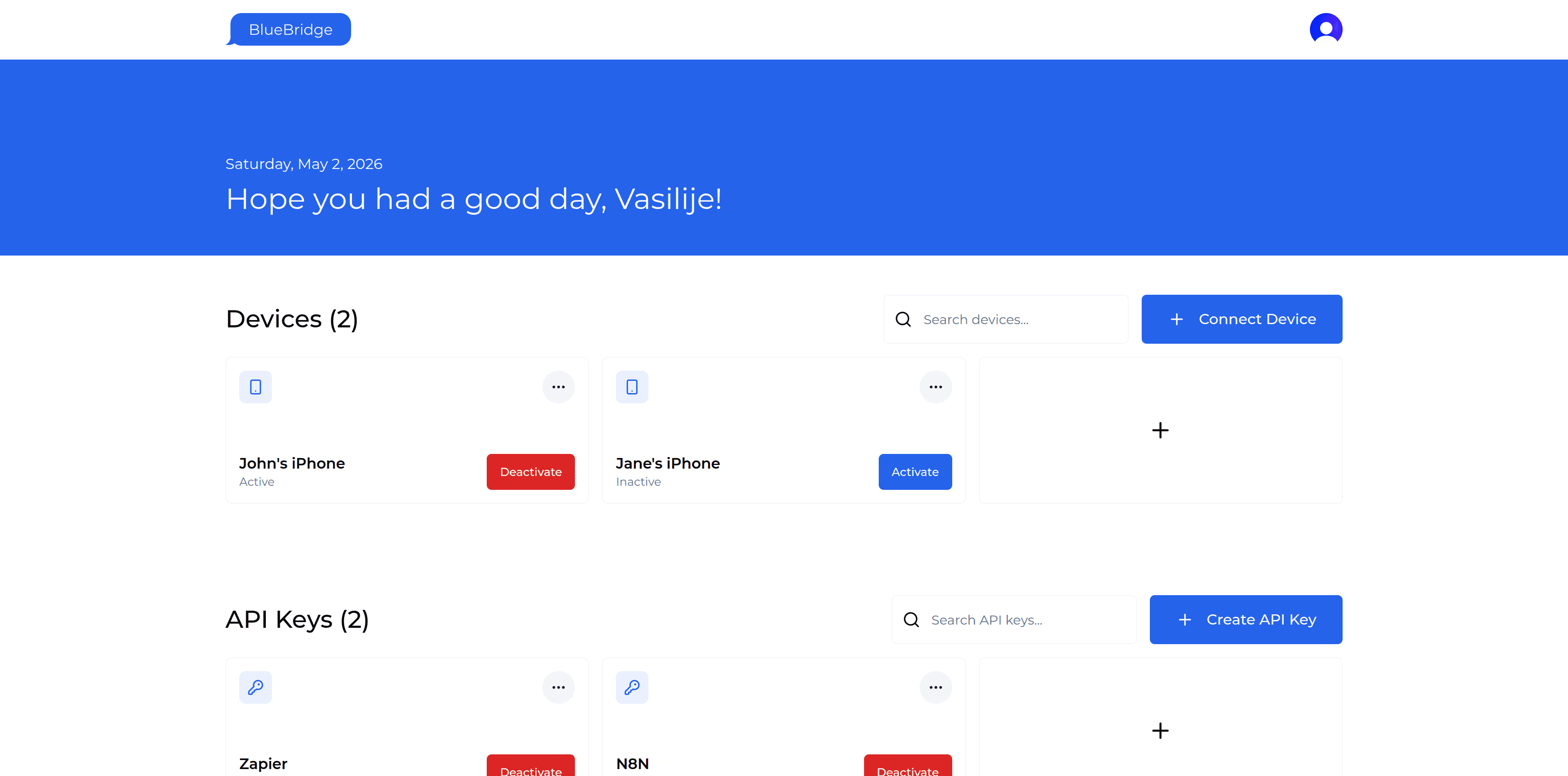
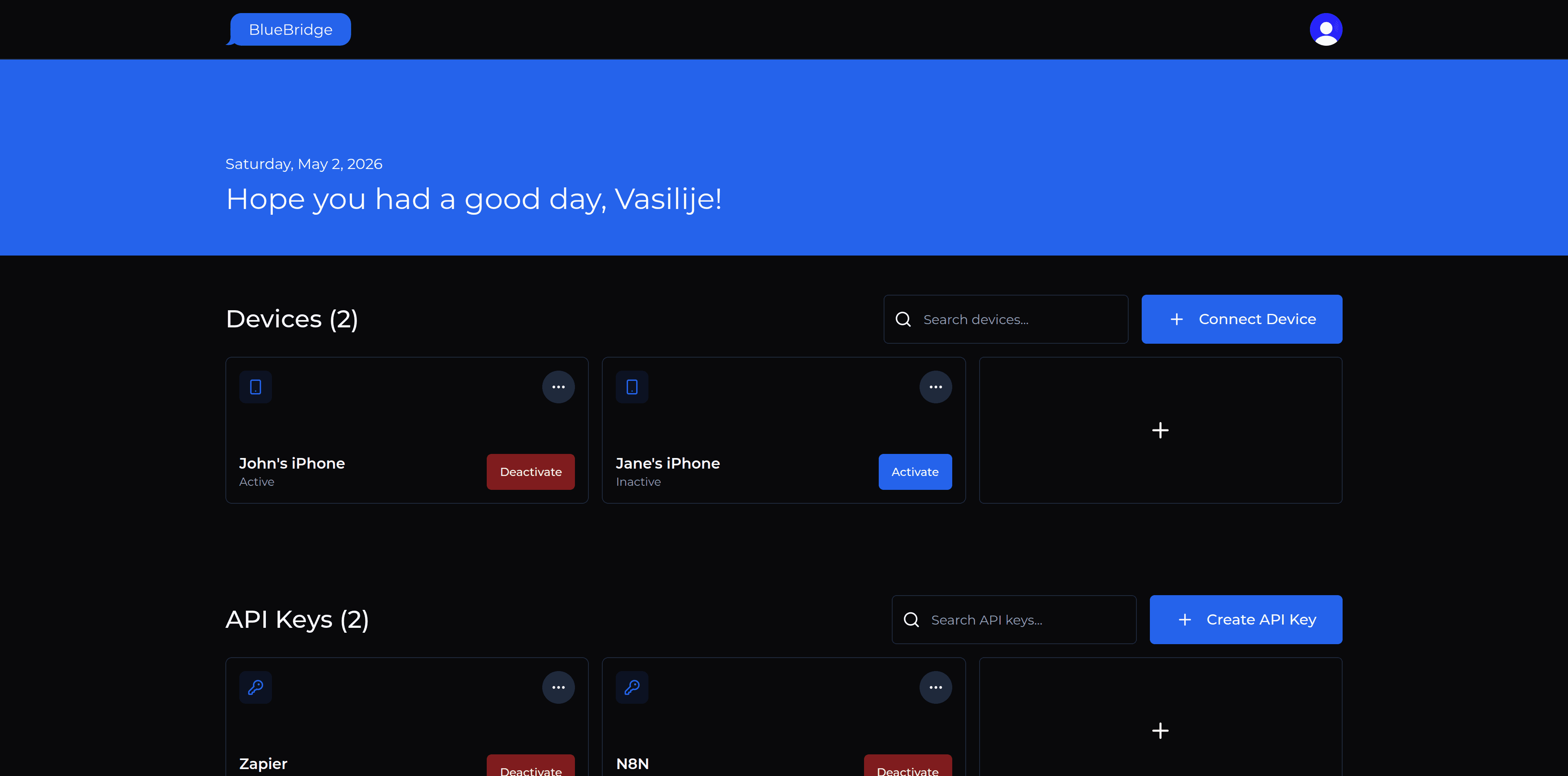
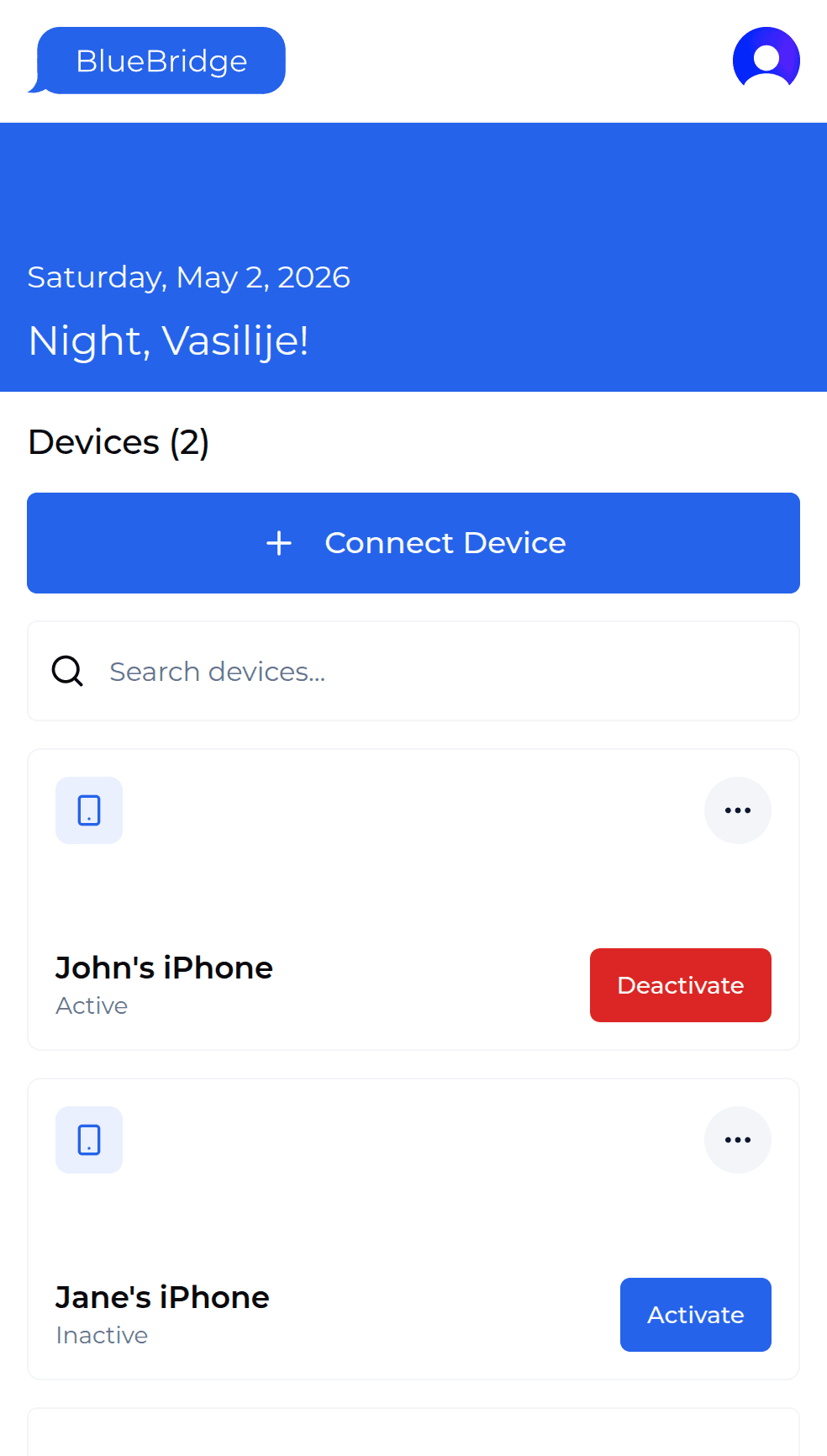
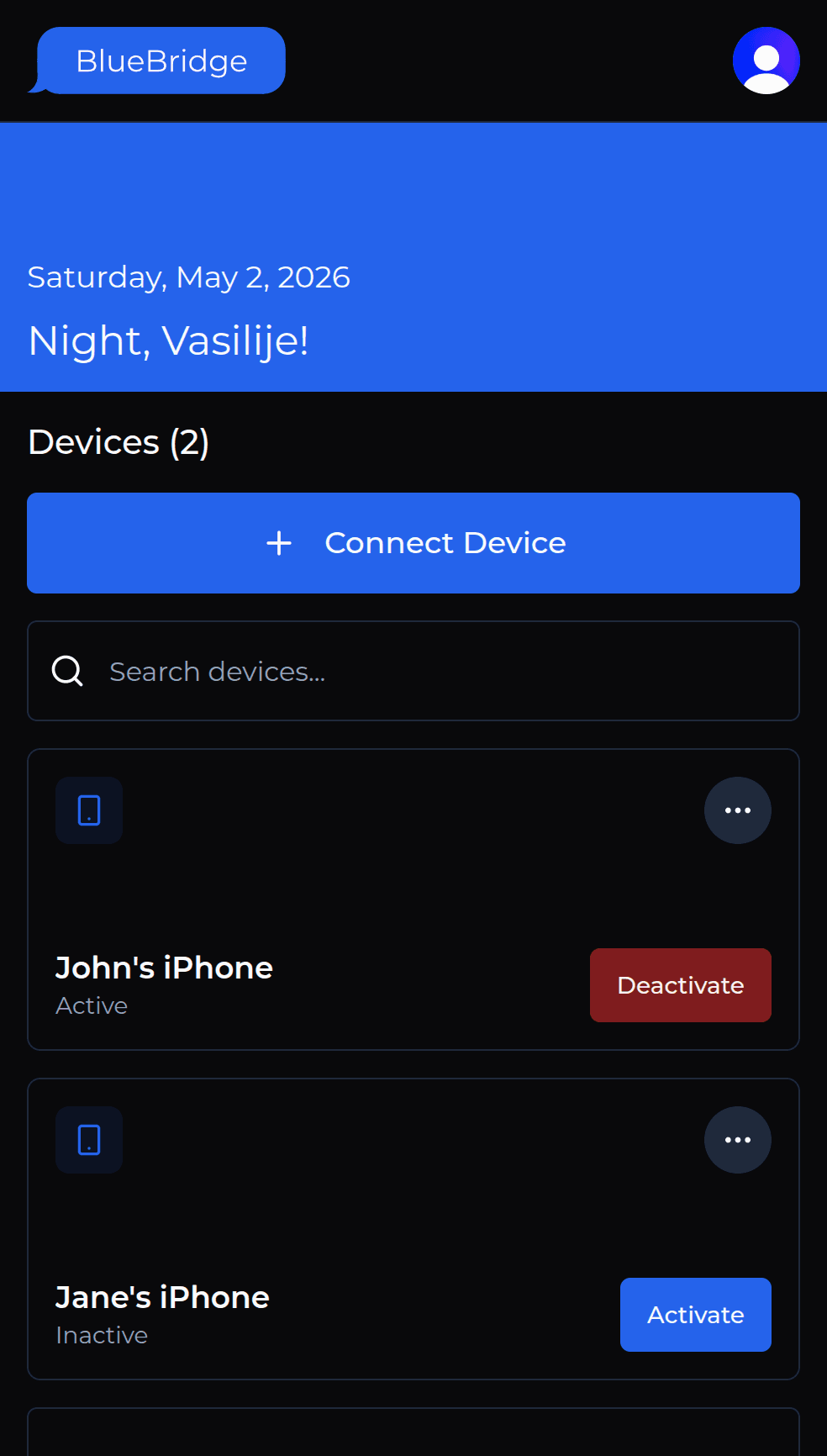
How It Works
Get Started in Minutes
Connect your iPhone with three simple shortcuts and start using iMessage and SMS through our API.
Setup Installer
Setup the 'BlueBridge Installer' iOS Shortcut on your iPhone.
Setup Sender
Setup the 'BlueBridge Sender' iOS Shortcut to send messages.
Setup Receiver
Setup the 'BlueBridge Receiver' iOS Shortcut to receive messages.
Pricing
Simple Pricing
Start free today. Paid pricing is shown as a preview while we finalize the long-term plan.
???
Planned pricing as we work toward a long-term paid offering.
Coming soon
Unlimited devices
Unlimited messages
Everything in Free, plus:
Priority Support
FAQ
Your Questions, Answered
Everything you need to know about setup, device requirements, shortcuts, pricing, and data handling.
Turn Your iPhone into an iMessage and SMS API
Start free and connect your iPhone in minutes with three simple shortcuts.